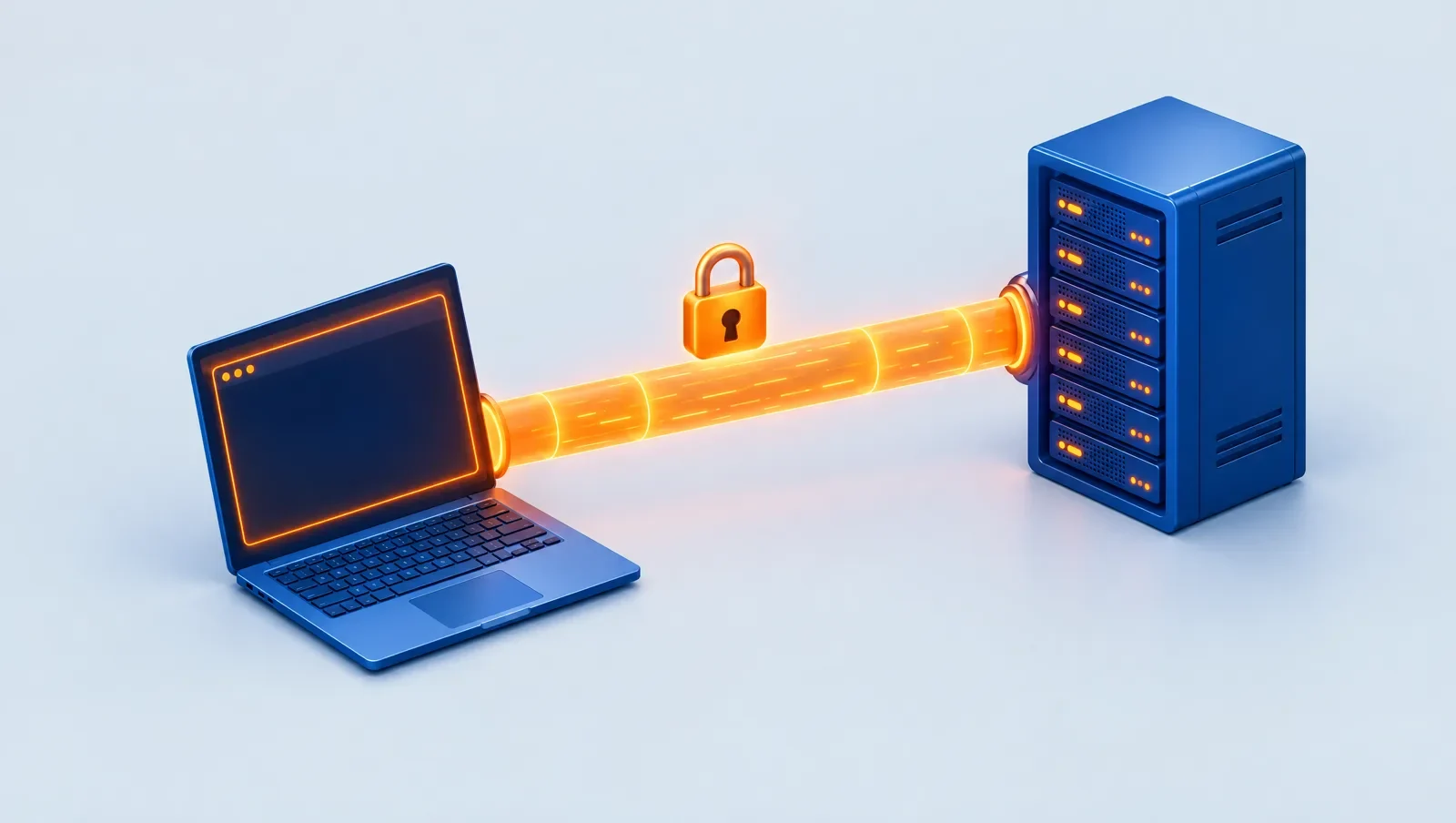
SSH (Secure Shell) is an encrypted protocol for managing a server remotely from the command line. To connect to a Linux server you need only its IP address, a username (usually root) and a password or SSH key, and you connect with ssh root@IP in a terminal. The default port is 22.
What does SSH actually do?
SSH creates an encrypted channel between your computer and the server. Passwords and commands you send cannot be read on the way, unlike the old Telnet protocol. Besides the command line, SSH can transfer files (SFTP and scp) and tunnel traffic.
What information do I need?
- The server's IP address
- A username, which on most fresh Linux servers is root
- A password or an SSH key pair
- The port number, 22 unless changed
A Windows server does not use SSH; you connect with Remote Desktop (RDP) on port 3389.
How do I connect from Windows?
Windows 10 and 11 include an OpenSSH client. Open PowerShell or Command Prompt and type:
ssh root@203.0.113.10Replace the sample address with your server's IP. The first time, it asks about the server's fingerprint; type yes. Then enter the password (nothing is shown while you type). Graphical clients such as PuTTY do the same job.
How do I connect from macOS or Linux?
Open the Terminal app and run the same command. ssh is installed on both.
What is an SSH key and why is it better than a password?
An SSH key is a pair of files: a private key that stays with you and a public key you place on the server. A password can be guessed, but a private key practically cannot. To create and install one:
ssh-keygen -t ed25519
ssh-copy-id root@203.0.113.10
After that you log in without a password. Never share the private key. To harden logins further, see securing a Linux server.
What are the common errors and fixes?
- Connection timed out: the server is still starting, the IP is wrong, or a firewall blocks port 22.
- Connection refused: the SSH service is not running or uses another port.
- Permission denied: wrong password or user, or password login is disabled.
- REMOTE HOST IDENTIFICATION HAS CHANGED: the server was replaced or reinstalled; if you are sure, remove the old entry with
ssh-keygen -R IP.
If nothing works, the provider's web console (when available) is the emergency way in.
Security notes when using SSH
- Check the server fingerprint the first time, especially over an untrusted network.
- Give the private key a passphrase so a stolen file is useless.
- After key login works, disable password login and direct root login; the steps are in securing a Linux server.
- Never send a private key or password over chat or email.
A few practical tricks
- File transfer: send a file to the server with
scp file.txt root@IP:/root/. - Config file: define a short name for each server in
~/.ssh/configso you can just typessh myserver. - Staying connected: if sessions drop, use
tmuxorscreenso programs do not stop when the connection does. - Another port: if SSH listens on a different port, connect with
ssh -p 2222 root@IP.
These are the basics of daily server work and become second nature after an hour of practice.
If you do not have a server yet
CloudSnap delivers Linux servers with root login over SSH and shows the login details in the bot and the web panel; if the password is not in the message, the "Password" option on the server page shows it. A web console is available for servers that support it. If you are new to the idea, read what a VPS is, and open the bot to start.
Summary
Connecting to a Linux server takes three things: an IP, a user, and a password or key. The ssh command works from the terminal on all three operating systems. Key login is safer, and it is best to disable password login once the key works. If you hit an error, its message usually shows whether the problem is the network, the service or the password.
FAQ
Is SSH secure?
Yes, as long as you use a strong password or, better, an SSH key and keep the server updated.
What is the SSH port?
The default is 22. Changing it adds no real security but avoids some automated scans.
How do I connect from a phone?
SSH apps such as Termius or JuiceSSH do this.
How is SSH different from SFTP?
SFTP uses the same SSH channel to transfer files.
What about Windows servers?
You connect to a Windows server with Remote Desktop on port 3389 and the user Administrator.