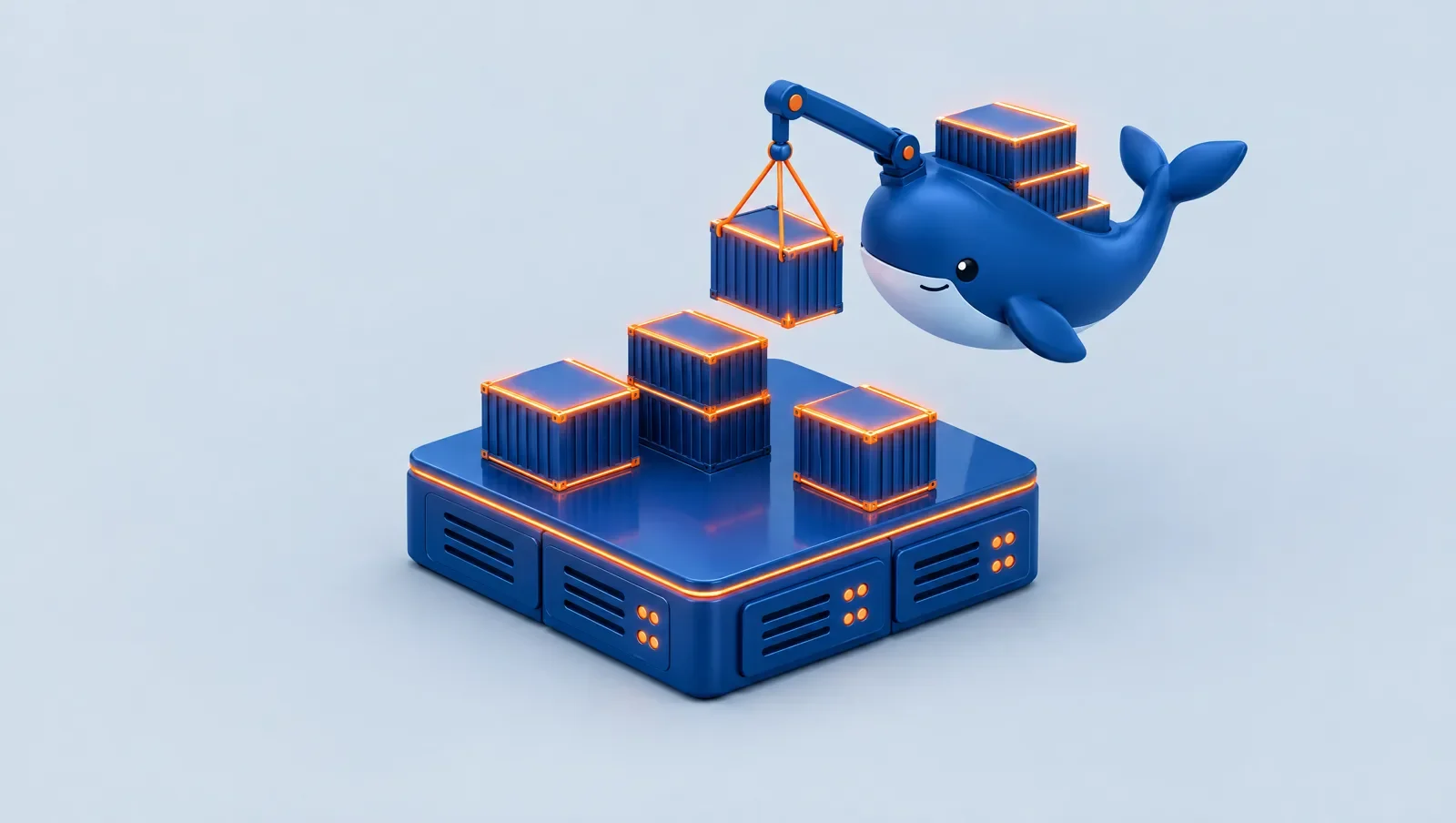
Docker is a tool that runs an application together with its libraries and settings in an isolated "container", so the same app behaves the same on any server. On an Ubuntu VPS you install it with curl -fsSL https://get.docker.com | sh and bring up services with docker run or a Docker Compose file. A container is not a virtual machine; it shares the host's kernel and is lighter.
What is a container and how does it differ from a virtual machine?
A virtual machine is a full operating system with its own kernel. A container packages only the application and its dependencies and shares the host's Linux kernel, so it starts in seconds and uses less memory. An "image" is the read-only template and a "container" is a running instance of it. If VPSs are new to you, read what a VPS is.
Why use Docker on a VPS?
- Install apps without messing up the system: each service lives in its own container.
- Start a database, Redis or WordPress in a few lines.
- Easy upgrades and rollbacks: pull the new image and replace the container.
- Easy moves to another server with the same configuration file.
Installing Docker on Ubuntu
First connect over SSH (see what SSH is) and update the system. Then run the official script:
apt update && apt upgrade -y
curl -fsSL https://get.docker.com | sh
docker run hello-world
If you see the welcome message, the install works. For production you can install from Docker's official repository instead of the script.
Your first real container: an Nginx web server
docker run -d --name web -p 80:80 nginx
docker ps
Now open the server's IP in a browser to see the Nginx page. -d runs the container in the background and -p 80:80 maps the server's port 80 to the container.
What is Docker Compose?
When you have several services, write them all in a compose.yaml file:
services:
  web:
    image: nginx
    ports:
      - "80:80"
    restart: unless-stopped
and start them with docker compose up -d. restart: unless-stopped brings the container back after a server reboot. View logs with docker compose logs -f.
Security and resource tips
- Docker bypasses the ufw firewall. A port you publish with
-pmay be open from outside even with ufw enabled. For internal services write127.0.0.1:5432:5432. - Use official, trusted images and keep them updated.
- Keep secrets in an
.envfile or a secret store, not inside the image. - Keep data on a volume, or it disappears when the container is removed.
- Watch RAM; several containers can use it all up. Size the server with choosing the right VPS and apply basics from securing a Linux server.
How do I update a container?
For a service run with Compose:
docker compose pull
docker compose up -d
The first pulls the new image and the second recreates only the changed containers. Back up important data before updating and write an explicit version tag, not latest, so an incompatible version does not arrive unexpectedly.
Everyday commands
docker ps -alists all containers.docker logs -f webshows a container's live log.docker exec -it web shopens a shell inside the container.docker image pruneremoves unused images and frees disk space.docker statsshows each container's CPU and RAM use.
If the server's disk fills up, images and container logs are usually the culprits.
If you want a server
Docker works on any Linux VPS. At CloudSnap you can create an Ubuntu server by the hour, try Docker, and stop the cost by deleting the server. A snapshot is available before risky experiments (billed hourly while you keep it). Plans are on the pricing page, and you can start from the bot.
Summary
Docker packages an app with its dependencies and installs on any Linux VPS in minutes. Remember that published ports bypass the firewall, keep data on a volume and keep images updated.
FAQ
Is Docker free?
The Docker engine is free and open source for use on servers. Docker Desktop has separate licence terms.
How much RAM does Docker need?
Docker itself uses little; most use comes from the containers. 1 to 2 GB is a good start for a few small services.
Is Docker secure?
Yes if you manage ports and images properly. A container is isolated but shares the kernel.
How do I stop a container?
docker stop web, and docker rm web to remove it.
Is data erased when a container is removed?
Yes, if you did not mount a volume.